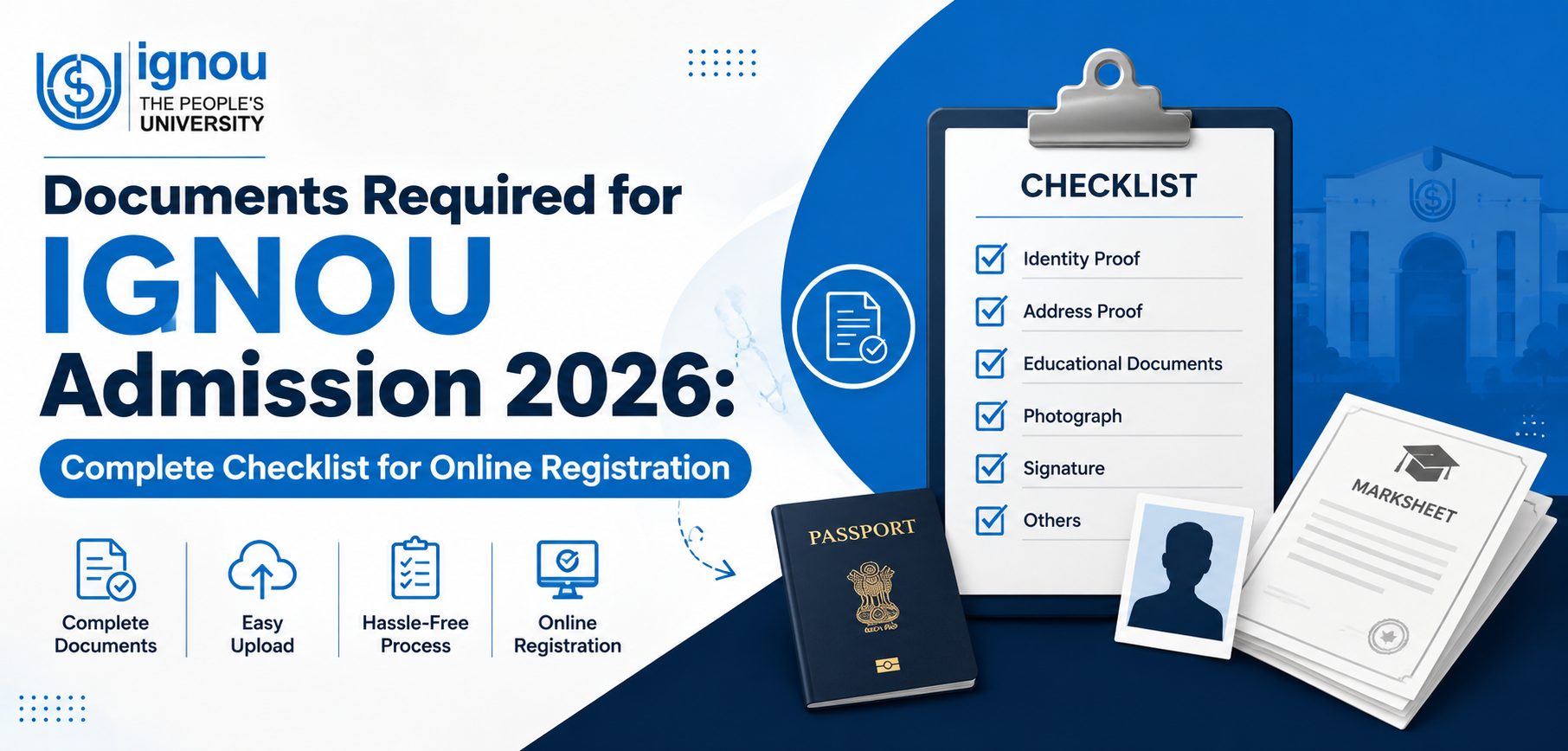
Applying for admission to Indira Gandhi National Open University (IGNOU) is an important step towards pursuing higher education through distance and online learning. Before beginning the application process, applicants should ensure that all the necessary documents are ready in the required format. Having the correct documents prepared in advance not only makes the registration process smoother but also reduces the chances of application delays or rejection during verification.
Whether you are applying for an undergraduate, postgraduate, diploma, or certificate programme, IGNOU requires applicants to submit documents that verify their identity, educational qualifications, and eligibility.
This guide provides a complete overview of the Documents Required for IGNOU Admission 2026, along with document specifications, upload guidelines, and helpful tips to make your admission process hassle-free.
Documents Required for IGNOU Admission 2026
The exact document requirements may vary depending on the programme you choose. However, most applicants are required to upload the following documents during the admission process.
|
Document |
Purpose |
|
Passport-size Photograph |
Identity verification |
|
Scanned Signature |
Application authentication |
|
Class 10 Certificate |
Date of birth proof |
|
Educational Certificates |
Eligibility verification |
|
Government ID Proof |
Identity confirmation |
|
Category Certificate (if applicable) |
Reservation benefits |
|
PwD Certificate (if applicable) |
Disability reservation |
|
Experience Certificate (for selected programmes) |
Work experience verification |
|
ABC ID / APAAR ID (if required) |
Academic record integration |
Let's understand each document in detail.
1. Passport-Size Photograph
Every applicant must upload a recent passport-size photograph while filling out the online application form.
Keep These Points in Mind
-
Use a recent colour photograph.
-
Choose a plain and light-coloured background.
-
Ensure your face is clearly visible.
-
Avoid selfies, filters, or edited images.
-
Upload the photograph in the format specified on the admission portal.
A clear photograph helps avoid identity verification issues later in the admission process.
2. Scanned Signature
Your signature is another mandatory document required during online registration.
Guidelines for Uploading the Signature
-
Sign on clean white paper.
-
Use blue or black ink.
-
Scan the signature clearly.
-
Avoid smudged or blurred images.
-
Upload the signature in the prescribed format.
The signature should match the one you may use for future university-related documents.
3. Class 10 Certificate
The Class 10 certificate is generally accepted as proof of your date of birth.
Applicants should ensure that the document clearly displays:
-
Candidate's name
-
Date of birth
-
School or board details
-
Year of passing
If another valid date of birth document is accepted for your programme, you may upload it as per the university's guidelines.
4. Educational Qualification Certificates
Academic certificates are among the most important documents required for admission. These documents help IGNOU verify whether you meet the eligibility requirements for your selected course.
The required certificates vary depending on the programme
|
Programm |
Documents Required |
|
Undergraduate Programmes |
Class 10 and Class 12 certificates |
|
Postgraduate Programmes |
Bachelor's degree and mark sheets |
|
Diploma Courses |
Relevant qualifying certificate |
|
Certificate Courses |
Qualification as specified for the programme |
Before uploading, ensure that all certificates are complete, readable, and free from any cropped or missing information.
5. Government-Issued Identity Proo
Applicants are generally required to submit a valid government-issued identity document.
Accepted identity proofs may include:
-
Aadhaar Card
-
PAN Card
-
Passport
-
Voter ID Card
-
Driving Licence
The information on the ID proof should match the details entered in the application form.
6. Category Certificate (If Applicable)
Candidates applying under reserved categories should upload a valid category certificate issued by the appropriate authority.
This applies to applicants belonging to categories such as:
-
Scheduled Caste (SC)
-
Scheduled Tribe (ST)
-
Other Backward Classes (OBC)
-
Economically Weaker Section (EWS)
An invalid or expired certificate may affect reservation benefits during admission.
7. Persons with Disabilities (PwD) Certificate
Applicants seeking admission under the PwD category must upload a valid disability certificate issued by the competent medical authority.
The certificate should clearly mention the disability percentage and other relevant details as required by the university.
8. Experience Certificate (Where Applicable)
Some professional and management programmes may require applicants to provide proof of work experience.
If applicable, the experience certificate should include:
-
Organisation name
-
Candidate's designation
-
Employment duration
-
Authorised signature
Candidates should check the eligibility criteria for their chosen programme to confirm whether work experience is mandatory.
Is an ABC ID Required for IGNOU Admission?
In line with the National Education Policy (NEP) 2020, many higher education institutions are integrating the Academic Bank of Credits (ABC) system. Depending on the programme and the latest admission guidelines, IGNOU may ask applicants to provide an ABC ID during the registration process.
The ABC ID helps maintain a digital record of your academic credits, making it easier to track and transfer them across recognised institutions.
If your chosen programme requires an ABC ID, you can create one through the DigiLocker platform before filling out the application form.
Note: Always check the latest admission notification on the official IGNOU website to confirm whether an ABC ID is mandatory for your programme.
File Format and Upload Guidelines
Before uploading your documents, make sure they meet the specifications mentioned on the IGNOU admission portal. Incorrect file formats or unclear scans can delay the verification process.
|
Document |
Preferred Format |
|
Passport-size Photograph |
JPG / JPEG |
|
Signature |
JPG / JPEG |
|
Educational Certificates |
PDF or JPG |
|
Identity Proof |
PDF or JPG |
|
Category Certificate |
|
|
PwD Certificate |
|
|
Experience Certificate |
|
Tips for Uploading Documents
-
Scan documents using a clear resolution.
-
Ensure all information is readable.
-
Do not upload cropped or incomplete documents.
-
Avoid password-protected PDF files.
-
Keep the file size within the limit specified on the admission portal.
-
Rename files appropriately for easy identification.
Preparing your documents in advance can help you complete the online application quickly.
Step-by-Step Process to Upload Documents
Uploading documents during IGNOU admission is simple if you follow the correct sequence.
Step 1: Register on the Admission Portal
Create your account using a valid email address and mobile number.
Step 2: Fill in Personal Details
Enter your name, date of birth, contact details, and other required information exactly as mentioned in your official documents.
Step 3: Enter Academic Information
Provide details of your qualifying examinations, marks, and educational qualifications.
Step 4: Upload Supporting Documents
Upload each document in the required format. Before proceeding, verify that every file is clear and correctly attached.
Step 5: Review Your Application
Cross-check all personal details, uploaded documents, and programme information before making the payment.
Step 6: Submit the Application
Complete the fee payment and submit the application. Download and save the confirmation page for future reference.
Common Mistakes to Avoid During Document Submission
Many applications are delayed because of avoidable errors. Paying attention to small details can help ensure a smooth admission process.
Avoid these common mistakes:
-
Uploading blurred or unreadable documents
-
Using an old or unclear photograph
-
Entering incorrect personal information
-
Uploading the wrong academic certificate
-
Exceeding the permitted file size
-
Submitting incomplete documents
-
Waiting until the last date to apply
Reviewing your application carefully before submission can prevent unnecessary delays.
Guideline for a Successful IGNOU Admission
A little preparation can make the admission process much easier. Keep these tips in mind before applying.
-
Read the eligibility criteria carefully before selecting a programme.
-
Keep scanned copies of all documents ready before starting the application.
-
Ensure that the details on your certificates match the information entered in the application form.
-
Use a stable internet connection while uploading documents.
-
Save copies of all uploaded files on your device.
-
Download the application confirmation and payment receipt after submission.
-
Apply well before the admission deadline to avoid last-minute technical issues.
Conclusion
Preparing the Documents Required for IGNOU Admission 2026 in advance is one of the easiest ways to ensure a smooth and hassle-free application process. From educational certificates and identity proof to photographs and signatures, every document plays an important role in verifying your eligibility.
Before submitting your application, carefully review all the uploaded files, verify your personal information, and keep copies of the application form and payment receipt for future reference. By following the document guidelines and avoiding common mistakes, you can complete your IGNOU admission process with confidence and minimise the chances of delays.